Tati opens the app, taps the envelope and reads "You got" with the name underneath: Dudu. "See Dudu's list" has three ideas, one marked high priority, and she breathes easy: the get-together isn't until December 19. Marina opened hers too, and only hers.
- Screen 1
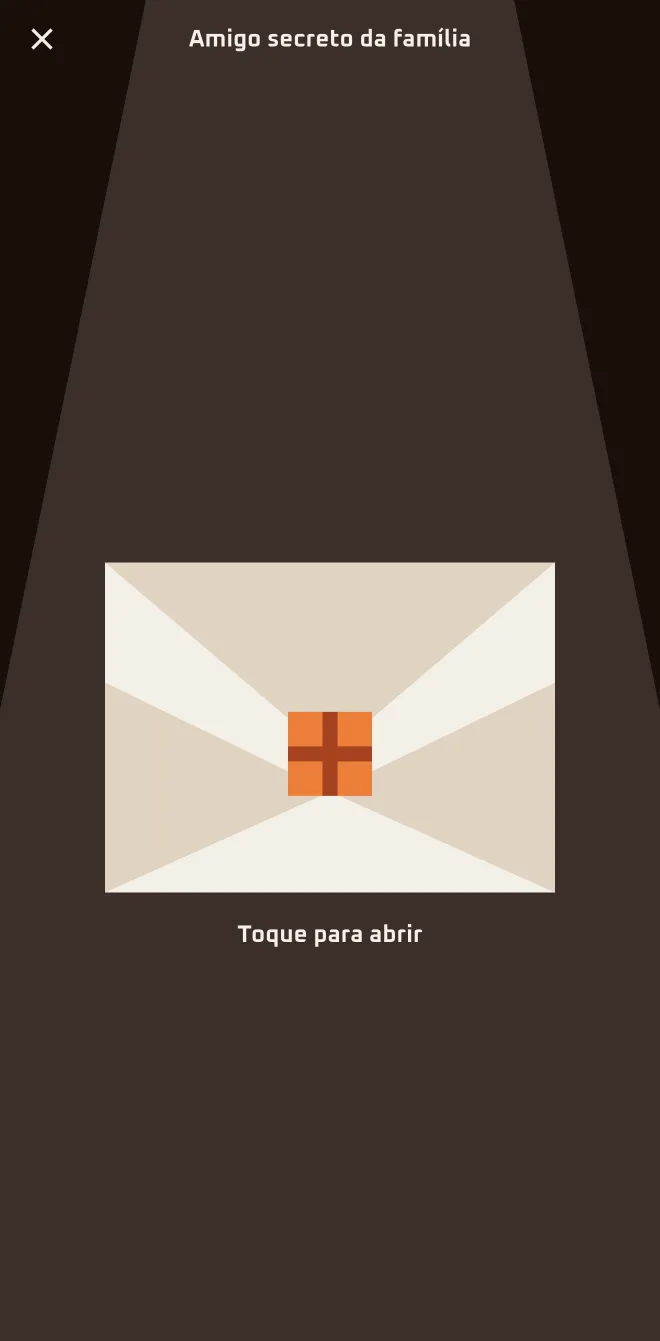 App screen 2.6.4 · pt-BR
 - Screen 2
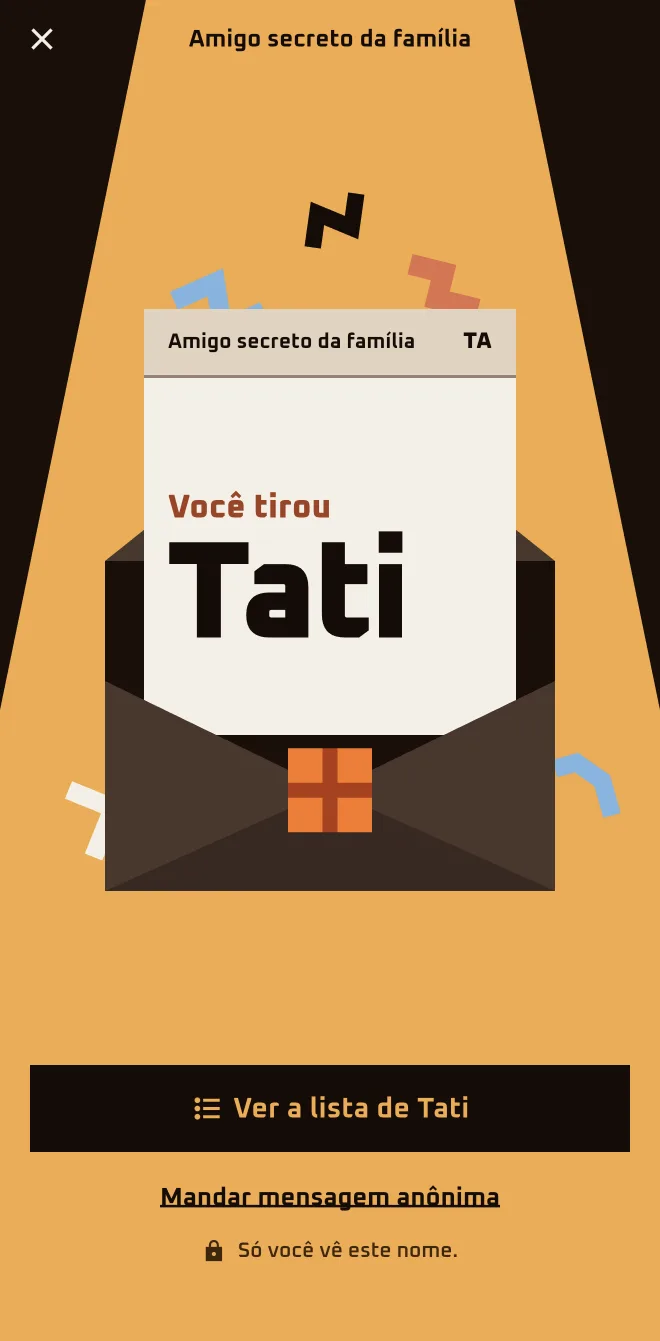 App screen 2.6.4 · pt-BR
 - Screen 3
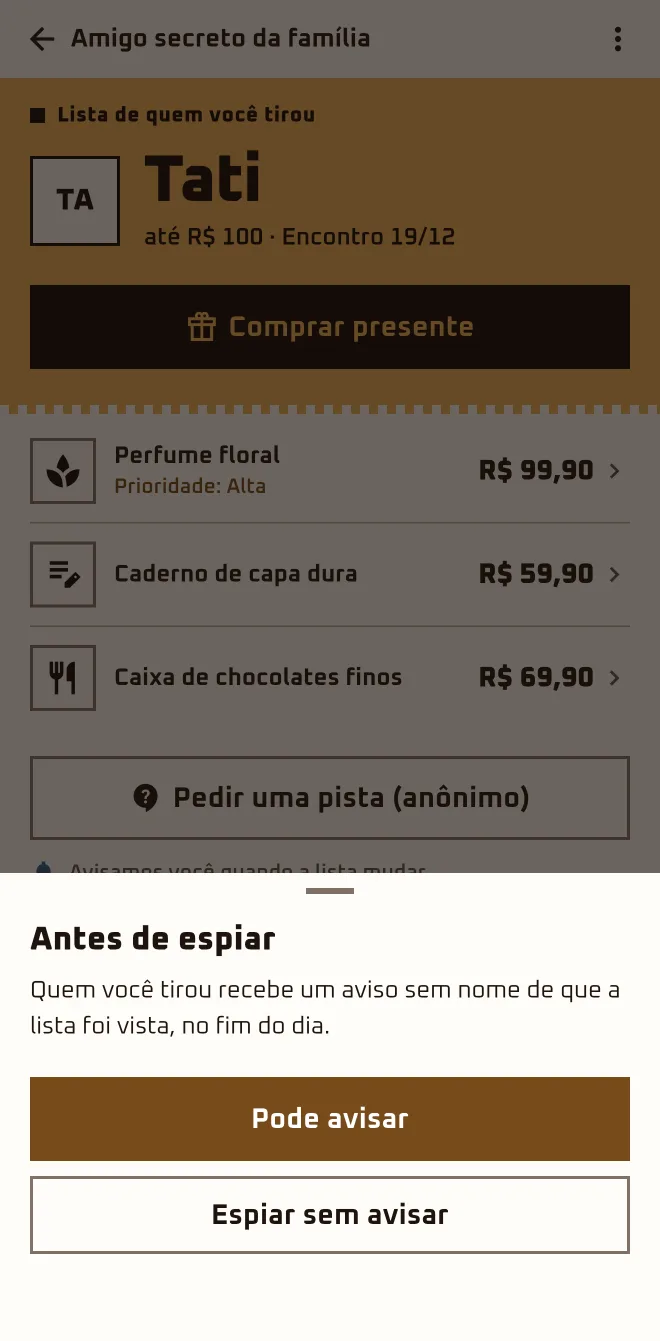 App screen 2.6.4 · pt-BR
I'm hereGroups›Names have been drawn›See who I got›Tap to open›See {name}'s list
I'm herethe group›The essentials›See who I got›Tap to open
In the browserplay.oamigosecreto.app›the group›See who you drew›Open in the app
Step by step
- 1
Tap "See who I got"
On the group card, "Names have been drawn" comes with "See who I got". The envelope says "Tap to open" and shows "You got" with the name.
- 2
Open "See {name}'s list"
At the top, the agreed budget and the get-together date; the items are listed in priority order. "Buy a gift" takes you to the Store.
- 3
Empty list? Ask for a hint
"Ask for a clue (anonymous)" becomes the main button and opens the group's Hints. "Send an anonymous message" opens the anonymous chat.
- 4
In the browser? Open the app or the Store
"See who you drew" offers "Open in the app". Without installing anything, "Shop for the person I drew" opens the Store with the name and the list.
The envelope only shows the person you drew.
The organizer does not see the pairs before the reveal. After the draw nobody joins or leaves: "Remove from my list" only hides the group for you.
Questions about this chapter
I opened the envelope and closed it. How do I see it again?
The envelope gives way to the list: "See who I got" stays under "The essentials" and opens straight to that person's list. On the group card, the next step becomes "Your secret friend's list", with the "See the list" button. Open the group, tap "See who I got" and the name is there.
I opened the envelope and got confused: did I draw this person, or did they draw me?
The envelope says "You got" and a name: that's the person you're giving a gift to. The person who drew you doesn't show up in the envelope or in the chat; in the chat, that person appears as "Your Secret Santa". Stick with the name in the envelope: tap "See {name}'s list" and see what that person asked for.
Does the organizer see who drew whom?
No. The person organizing opens their own envelope like any other participant and sees only who they drew; the organizer does not see the pairs before the reveal. If you're the organizer, do what the others do: tap "See who I got" and get going on your gift.
Does the person who drew me show up anywhere?
Not in the envelope or the chat: the person who drew you shows up as "Your Secret Santa". The screen "Who drew you?", under "More in this group" › "Mystery", unlocks hints. After the reveal, the "Gift Ranking" lists who gave and who received, if that game is turned on. Until then, collect the hints in "Mystery".
The person I drew has nothing on their list.
It happens, and the screen already tells you: "We'll let you know when the list changes." "Ask for a clue (anonymous)" opens the group's Hints. "Send an anonymous message", in the list menu or in the envelope, opens the chat with that person, with quick messages ready to go. Start with the anonymous message.
See "Drop hints and chat without giving myself away"My kid joins through my account. How do they see who they drew?
In the group, the "{name}'s participation" section has "See who they drew" and "Hand the phone to {name}". That opens the "{name}'s turn" screen: you hand over the phone and your kid presses and holds "Hold to see" until the name shows up. Open the group, find "{name}'s participation" and hand over the phone.
See "Agree on the rules"