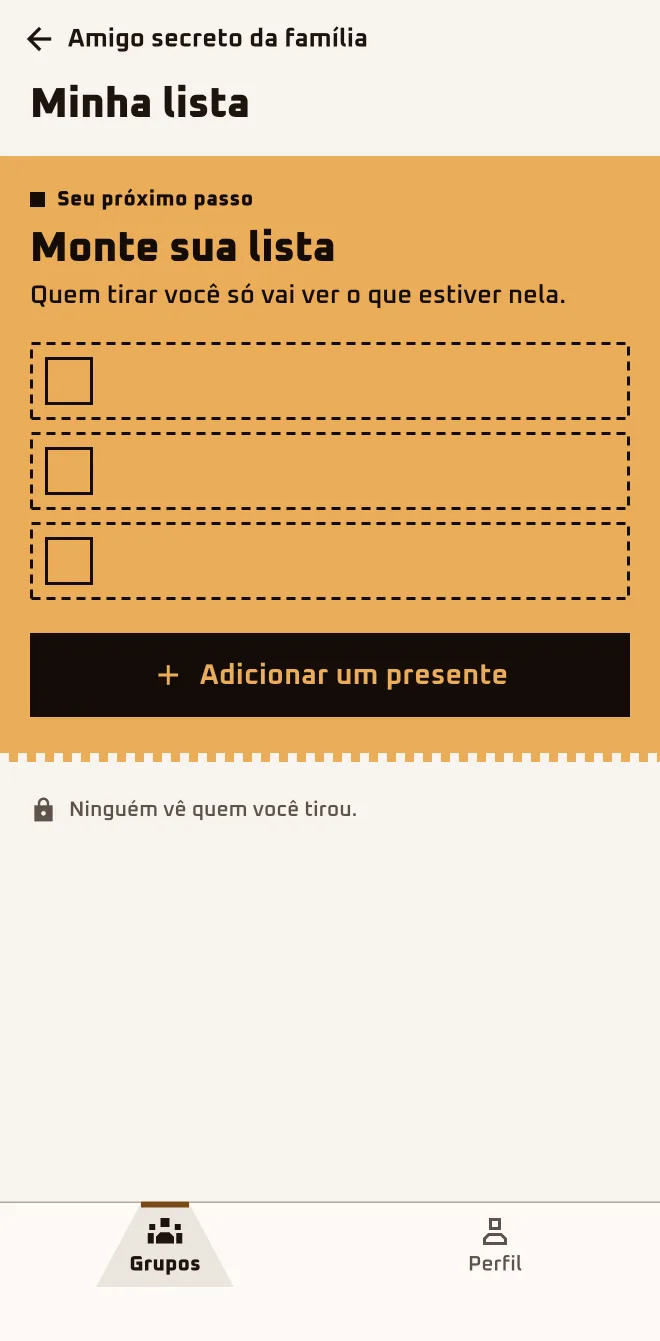
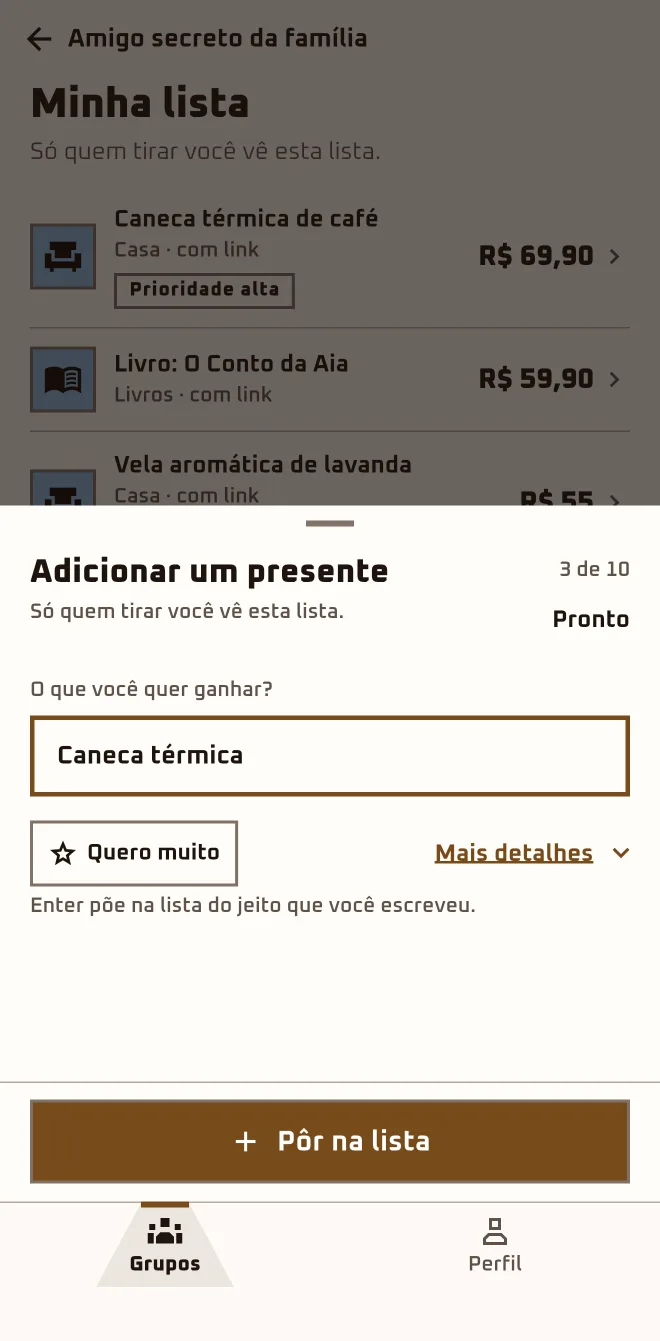
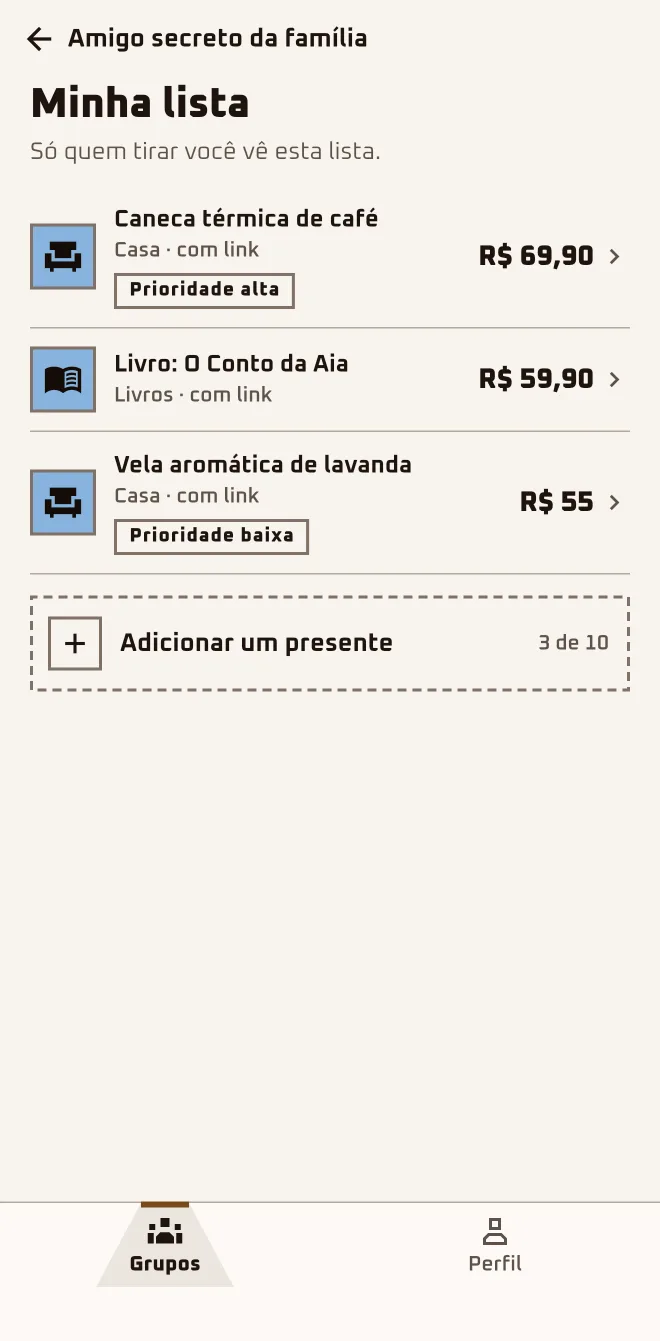
Bruno never knows what to ask for. He put down three ideas: one with a link, one with a price, the third just the name. The person who draws him will see exactly that, and nothing else.
- Screen 1
 App screen 2.6.4 · pt-BR
 - Screen 2
 App screen 2.6.4 · pt-BR
 - Screen 3
 App screen 2.6.4 · pt-BR
I'm herethe group›The essentials›My list›Add a gift
In the browserplay.oamigosecreto.app›the group›My Wishlist
Step by step
- 1
Open "My list"
In the group, under "The essentials", tap "My list" and then "Add a gift". In the browser: "My Wishlist" and "Add Item".
- 2
Fill in at least the name
Only "Gift name" is required; the other fields help the person who draws you get it right. When you're done, tap "Add".
- 3
Add straight from the Store
In the "Store" tab, open the product and tap "Add to my list". If you're in more than one group, the app asks "Which group?".
- 4
Change it whenever you want
Tap the item to open "Edit gift"; "Delete gift" is in there. After the draw, the person who drew you gets a notification that the list changed.
Only the gift name is required.
Still "Waiting"? You can build your list, but it's only kept if you're let in.
Questions about this chapter
Who sees my list?
You and, after the draw, the person who drew you. Nobody else in the group can open another person's list, not even the organizer. If someone in your family joins through your account, that person's list is in your hands too. Ask for whatever you want: open the group and tap "My list".
Do I have to add a link and a price?
No. Only "Gift name" is required. "Product link (optional)" and "Estimated price (optional)" are there so the person who draws you gets it right the first time, and the price can have cents, like 79.90. If you have the link handy, paste it; if not, the name is enough.
Can I add a photo to an item?
No. There's no photo field on the form, in the app or in the browser. An item from the Store comes with the product's name, price and link, but its picture doesn't show in the list. If you want the person to see the product, paste the link in "Product link (optional)" or add it from the Store with "Add to my list".
I'm still Waiting. Does my list count?
It does, with one condition. While the group shows "Waiting", the app lets you build the list, but it's only kept if you're let in. If you tap "Leave", the list goes too. Build it now and, if approval is taking a while, tap "Remind the owner".
I changed my list after the draw. Will the person who drew me know?
They will. When you add, edit or delete a gift after the draw, whoever drew you gets the notification "The list of who you got changed" on their phone; that notification only comes through the app. Change it all you like, but if the person already sent "I already got your gift!" in the chat, leave the list alone.
Is there a limit on gifts?
In the app, yes: the counter next to "Add a gift" shows how many items you've added and how many fit. If the list fills up, the app says "List full. Remove an item to add another." Start with what you want most and mark "High" under "Priority".