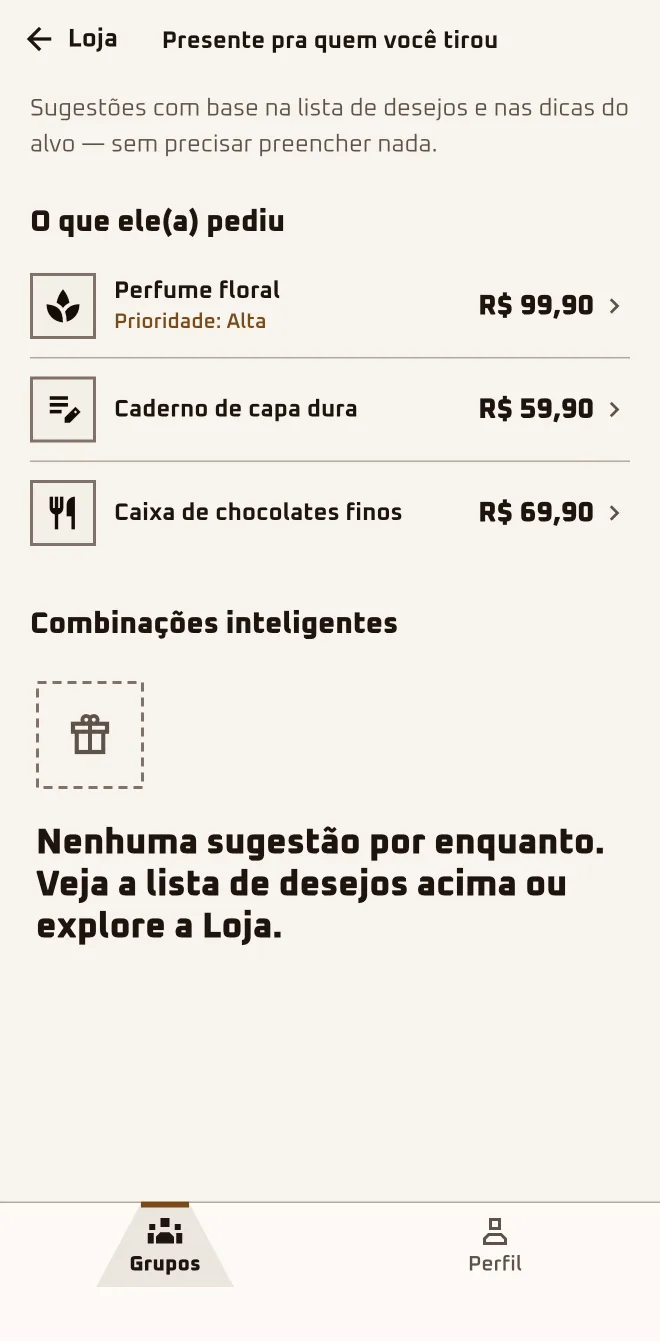
Tati taps "See Dudu's list" and "Buy a gift". The Store shows what Dudu asked for, and every product says if it fits the agreed budget, up to R$ 100. She picks a pair of headphones, taps "Buy a gift for Dudu" and finishes the purchase at the partner store.
- Screen 1
 App screen 2.6.4 · pt-BR
 - Screen 2
 App screen 2.6.4 · pt-BR
I'm hereGroups›the group›See who I got›Buy a gift
I'm hereGroups›the group›More in this group›Buy a gift
I'm hereStore tab
In the browserplay.oamigosecreto.app›the group›Shop for the person I drew›store.oamigosecreto.app
Step by step
- 1
Open the list of the person you drew
Tap "See who I got" and, at the top of the list, "Buy a gift". The screen brings together "What they asked for" and "Smart matches".
- 2
Dig around in the Store tab
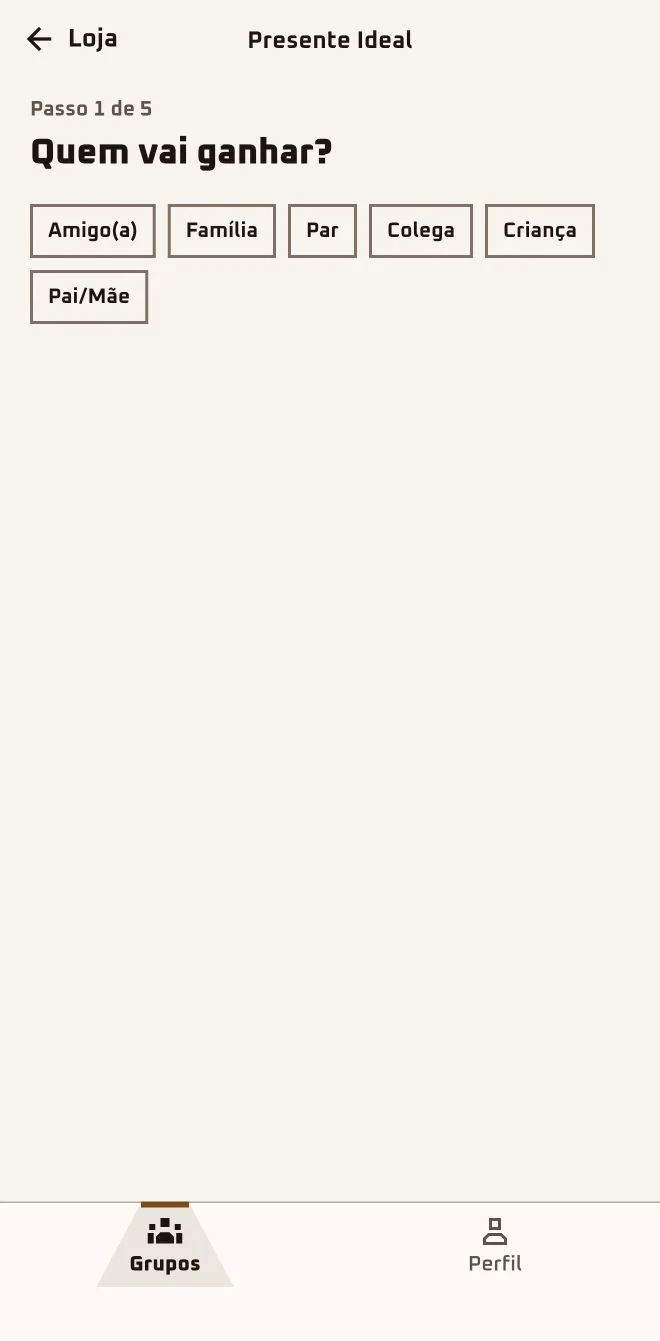
The "Store" tab has search, "Discover", "Perfect Gift" and "Collections" for when the list is empty or you want more ideas.
- 3
Tap the buy button
Once you've drawn someone, the button says "Buy a gift for {name}". The app says "You'll finish checking out at {store}." and opens the partner store.
- 4
Favorite it or put it on your list
Tap "Favorite" to keep the product in "Favorites". "Add to my list" puts the product on your wishlist, with photo and link.
You finish the purchase at the store.
The Store carries products from Brazilian stores. Anyone 13 to 17 sees the Store and the list of the person they drew, but two things are adult-only: the "Find a gift" button on each hint and the price-drop alert.
Questions about this chapter
Do I have to buy through the Store?
No. The Store is a shortcut, and the gift can come from wherever you like. The list of the person you drew shows what they asked for, and one tap on an item with a link opens the store. Open the group and tap "See who I got".
Does the Store sell the products itself? Do I pay in the app?
No, on both counts. The Store gathers products from partner stores, and the app neither sells nor takes payment. It may earn a commission, and your payment details don't go through the app. Tap "Buy a gift for {name}": the app says "You'll finish checking out at {store}." and opens the partner store, where you pay.
Is the Store price the same as in the actual store?
Not always. The price shown in the Store is what the partner store reported at the last check, and the one that counts is the price at checkout. If the same product has more than one offer, the "Compare offers" section lists each store and marks the "Best price". Before paying, check the amount at the partner store.
I'm outside Brazil. What about the Store?
Today the Store shows products from Brazilian stores, priced in reais, whatever country your account is in. Is the person you drew in Brazil? The Store works just the same. If the whole crew is abroad, use the wishlist and the anonymous chat to settle on the gift, and buy wherever works best for you.
How do I know if it fits the agreed budget?
Once you've drawn someone, every product you open says "Fits the group budget" or "{x} over the group budget". In search, "Filters" has "Max price". Open the product and check the tag before tapping "Buy a gift for {name}".